Two-Photo Duo Height & Lighting Matcher
Test two front-facing portraits locally on an HTML5 canvas to match shoulder height, face brightness, and orange COLORS booth framing before you render.
Pick the format you need, not the model name. Every tool below runs in the browser, keeps the same account and credit balance, and exports a file you can post today. Image generation and photo editing are free to try; videos use the one free render every new account receives.
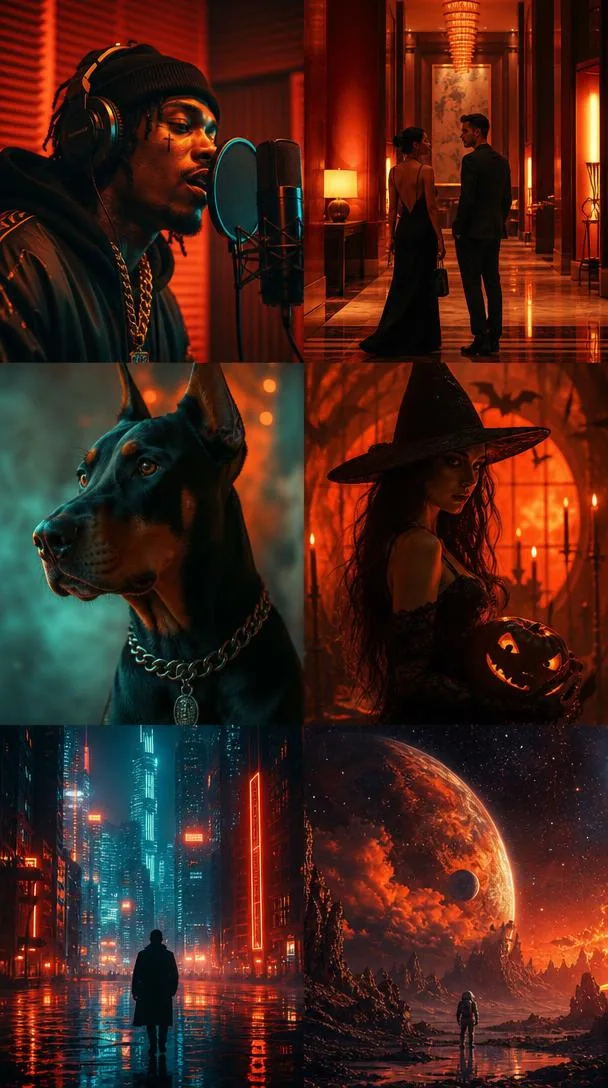
Test two front-facing portraits locally on an HTML5 canvas to match shoulder height, face brightness, and orange COLORS booth framing before you render.
Map 1/12th-note Atlanta triplet rap pockets, ad-lib callouts, and 24/30/60fps edit frames across your vertical Migos AI rap clip on an HTML5 canvas.
Preview 8mm fisheye lens curvature, hanging COLORS studio mics, and velvet hotel-lobby lighting on canvas, then launch your rap video prompt.
Describe a scene and get a detailed image in seconds. Free daily generations on a signed-in account, with the same credits usable for vertical AI videos.
Open the tool →Upload a photo and describe the edit: relight a portrait, replace a background, or restyle a product shot. Free daily edits, no design software required.
Open the tool →Turn two front-facing photos into a short vertical rap video in an orange studio booth or red hotel lobby. Your first video is free; packs from $19.90.
Open the tool →Make a short couple video from two photos: a matching studio look, a shared verse, and a vertical clip for anniversaries, long distance, or just for fun.
Open the tool →Turn a photo of you and a friend into a short vertical rap video. Pick the orange booth or red lobby, add an inside joke, and get a clip for TikTok or Reels.
Open the tool →Give your pets the rap career they deserve: upload two pet photos, pick a studio look, and get a short vertical video to share. Your first video is free.
Open the tool →Turn two photos into a short Halloween video with costume looks, fog, and pumpkin light. Try the 2026 trend ideas, then download a vertical clip for TikTok.
Open the tool →Upload one photo and turn it into a short vertical video with natural motion, slow camera push-in, and cinematic light. First video is free; packs from $19.90.
Open the tool →Write a scene, choose a vertical frame, and get a short AI video. Learn the four-part prompt formula that keeps motion clean, then render your first clip free.
Open the tool →Create a hip-hop rap performance video from photos or text. Pick camera motion, 9:16 or 16:9 ratio, and beat tempo, then launch directly into the studio.
Turn a dancer portrait or scene prompt into a street dance choreography clip. Set camera movement, 9:16 framing, and BPM feel with one-click preloading.
Build looping AI music visualizer clips tuned for beat-matched edits. Select camera arcs, 9:16 or 16:9 aspect ratio, and tempo cues before you render it.
Create arena spotlights, haze beams, and live stage visuals with AI. Customize low-angle camera sweeps, 16:9 or 9:16 framing, and BPM energy in one click.
Copy 40 tested AI video prompts for portraits, couples, pets, Halloween, and cinematic scenes. Each prompt includes motion and camera notes for a stable clip.
Open the tool →Most people arrive knowing the result they want: a profile picture, a clip for TikTok, a photo of their dog in a studio, or a thumbnail that looks like it took a designer an afternoon. The tool name matters less than the output. Choose the card that matches the file you want to finish with, and the page will ask only for the inputs that format needs.
If you are unsure, start with the image generator. It is the cheapest way to see how the models read your prompt, and any image you like can be animated on the photo-to-video page afterwards.
The AI image generator turns a written scene into a still image. The AI image editor takes a photo you already have and changes one thing: the light, the background, the styling, or the wardrobe. Both are free within a small daily limit on a signed-in account, because a still image costs a fraction of a video render.
These are the right tools for thumbnails, profile pictures, product mockups, and testing an idea before spending a video credit on it.
The rap, couple, friends, pet, and Halloween pages all use the same two-photo pipeline: you upload two front-facing photos, choose a studio look, add an optional topic, and the model keeps both faces recognizable while it builds a short vertical clip. The difference between the pages is the scene, the example prompts, and the advice about which photos work.
Photo to video uses one photo instead of two. Text to video uses no photo at all and builds the scene entirely from your description.
A new account includes one free video. After that, one credit renders one video; packs are one-time purchases and credits never expire. Image generations do not consume video credits. The price is shown before checkout, and the checkout page is hosted by the payment provider, so this site never sees a card number.
There is no subscription to cancel. Downloadable MP4 packs start at $19.90. If a render cannot start, the credit is returned automatically.
Yes. Signing in with an email code keeps the daily free limit attached to a person instead of an IP address, which is what stops one visitor from exhausting the shared provider budget. It takes one code and no password.
Any of the video tools. Every video page renders a vertical 9:16 clip, which is the native shape for TikTok, Reels, and Shorts. The rap, couple, friends, pet, and Halloween pages differ in the scene and prompt, not in the export shape.
No. The free first video and paid packs both return a clean file. There is no logo overlay and no subscription upsell burned into the output.
Yes. The account, the session, and the credit balance are shared across every tool. An image you generate on one page can be animated on the photo-to-video page without uploading it again if you keep the file.
If the job cannot start, the credit is returned automatically. If it fails after starting, the job shows the failure reason and you can contact us with the job id so we can make it right.