Free AI image generator
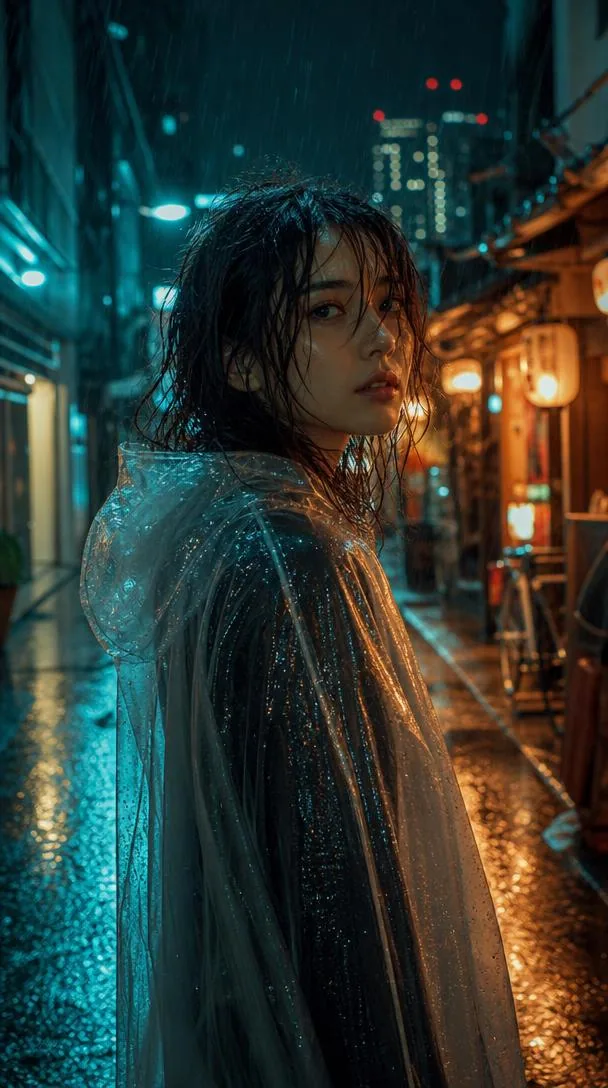
Type what you want to see. The generator returns a finished image with realistic light, texture, and composition, without a design tool and without a subscription. It is the fastest way to test an idea before you spend a video credit on it.
Sign in to use this tool
One email code, no password. A new account includes one free video and five free images per day.
Your result
How it works
- Write a specific scene, not a list of adjectives.
- Press generate and keep the page open.
- Download the image and reuse it anywhere.
Uploads are sent to the model provider only to produce this result. Do not upload anyone without their permission.
What this image generator is for
Use it when you need a still image and you can describe it better than you can draw it: a thumbnail, a profile picture, a product scene, a mood board frame, a seasonal post, or a background that does not exist yet. The model is strongest at cinematic photography, editorial portraits, food, interiors, animals, and graphic poster compositions.
It is not a stock-photo search box. You are directing a scene. The more specific your description of light, lens, material, and mood, the less the model has to guess, and the closer the result lands on the first try.
A prompt structure that works
A reliable prompt has five parts: subject, action, setting, light, and finish. "A ceramics artist" is a subject. "trimming the rim of a bowl" is an action. "in a sunlit studio with clay dust in the air" is a setting. "soft window light from the left" is the light. "35mm editorial photograph, shallow depth of field" is the finish.
Put the most important noun first. Models weight the beginning of a prompt more heavily, so lead with the thing that must be in the frame, not with a list of adjectives.
- Subject and wardrobe before background.
- One light direction, not three.
- Name the material when it matters: brushed steel, raw linen, wet asphalt.
- Say what to avoid only when the model keeps adding it.
Six prompt recipes to copy
These are starting points, not rules. Change the subject and keep the structure.
- Portrait: "Editorial portrait of a woman in a rust linen blazer, standing in a concrete doorway, soft overcast light, 85mm lens, natural skin texture."
- Product: "A matte black water bottle on a travertine plinth, hard sunlight and a sharp shadow, minimal beige background, commercial product photography."
- Pet: "A corgi wearing a tiny yellow raincoat in a misty park at dawn, shallow depth of field, warm rim light, photorealistic fur."
- Food: "A bowl of ramen on a dark wooden counter, steam rising, one overhead light, deep shadows, close-up food editorial."
- Thumbnail: "A startled astronaut in a white suit against a orange nebula, centered composition, high contrast, space for a headline at the top."
- Seasonal: "A candlelit porch with carved pumpkins and drifting fog, deep orange and violet palette, cinematic Halloween photograph."
Size, shape, and where the image goes next
Square images suit profile pictures and product grids. Portrait images suit phone screens, Stories, and vertical video covers. Landscape images suit blog headers and YouTube thumbnails. Choose the shape before you generate: a square image cropped to a vertical format loses the edges you composed.
Every image can become a video. Download the frame you like, open the photo-to-video tool, and describe a small motion: a slow push-in, a head turn, fog drifting through the scene. Small motion is easier to keep stable than a full action sequence.
Free daily images and fair use
A signed-in account gets five free image generations per day. The limit is intentionally low enough to keep the provider bill predictable, and high enough to test a prompt properly. Images do not consume the video credit that comes with a new account.
Do not upload or generate images of real people without permission, and do not use the tool to create sexual content, harassment, or a believable fake of a public figure. Prompts and uploads are screened by the provider as well as by this site.
Frequently asked questions
Is the AI image generator really free?
Yes, within a small daily limit on a signed-in account. The free allowance exists so you can test prompts before paying for anything. Video renders are separate and use the one free video credit a new account receives.
How long does an image take?
Most images finish in under a minute. The page keeps polling the job and shows the result as soon as the provider returns it; you can leave the tab open and keep reading.
Can I use the images commercially?
You can use the image you generate, subject to the provider terms and to the rights you have in anything you uploaded. Do not use a generated image to imply endorsement by a real person or brand, and do not reproduce a copyrighted character.
Why does the same prompt give a different image twice?
The model samples a new result each time. If you need a consistent set, keep the subject and light description identical and change only one variable at a time.
Can I turn a generated image into a video?
Yes. Download the image, open the photo-to-video page, upload it, and describe the motion you want. A gentle push-in or a head turn usually looks more natural than a large action.
Does the generator store my prompt?
The job record stores the tool, the status, and the result URL so the page can show the result after a reload. Do not put passwords, private addresses, or other sensitive text in a prompt.
Make your own version
Type what you want to see. The generator returns a finished image with realistic light, texture, and composition, without a design tool and without a subscription. It is the fastest way to test an idea before you spend a video credit on it.